Identify the device and connector
Identify the device and connector. Compare the information published for the exact item and keep the product name or SKU for reference.
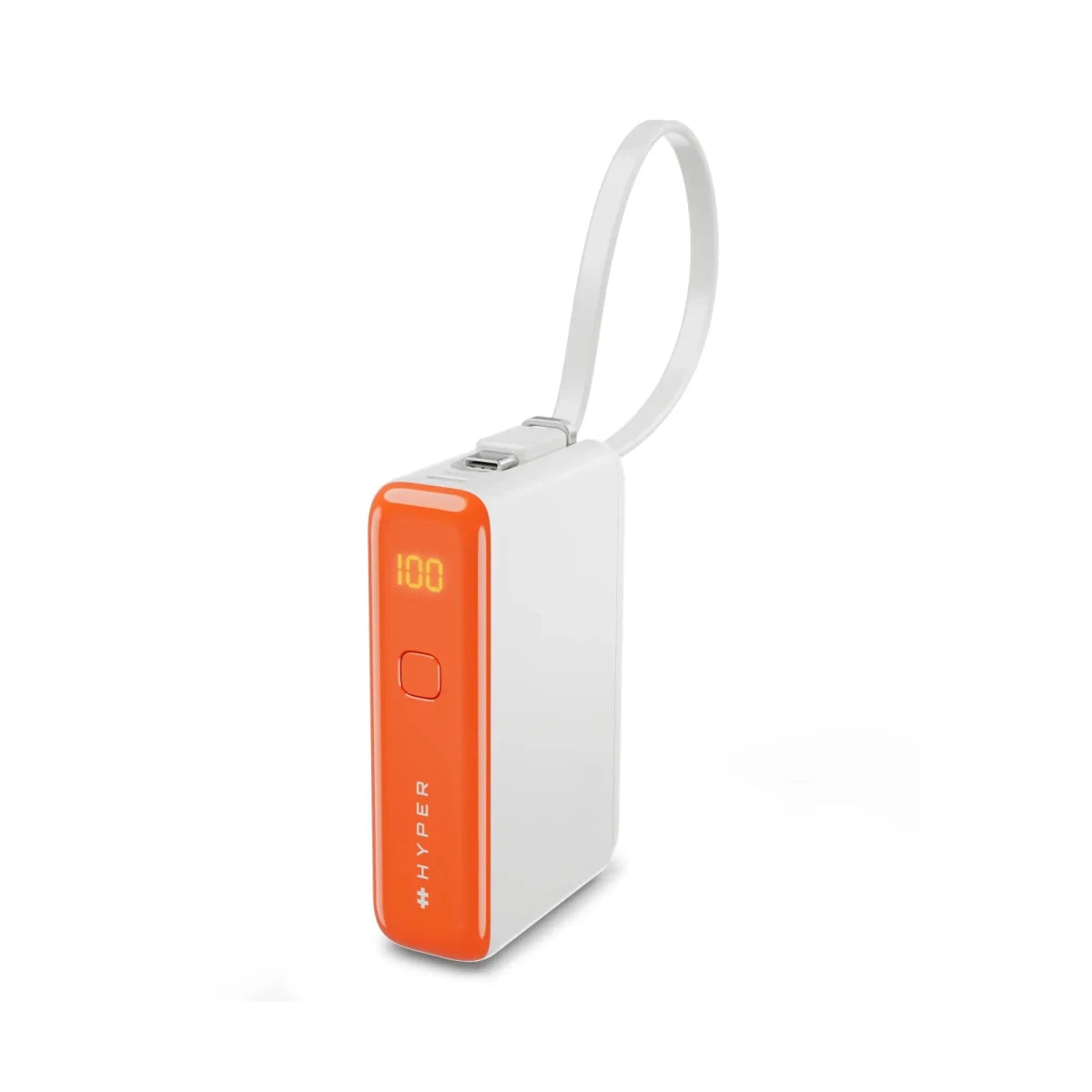
$31.99
Free standard US shipping
Contiguous 48 states & DC · 4–7 business days total
30-day returns
Merchant-paid return shipping. Read the policy
Questions about this item? [email protected]
Product brand: HyperJuice Flex
The details
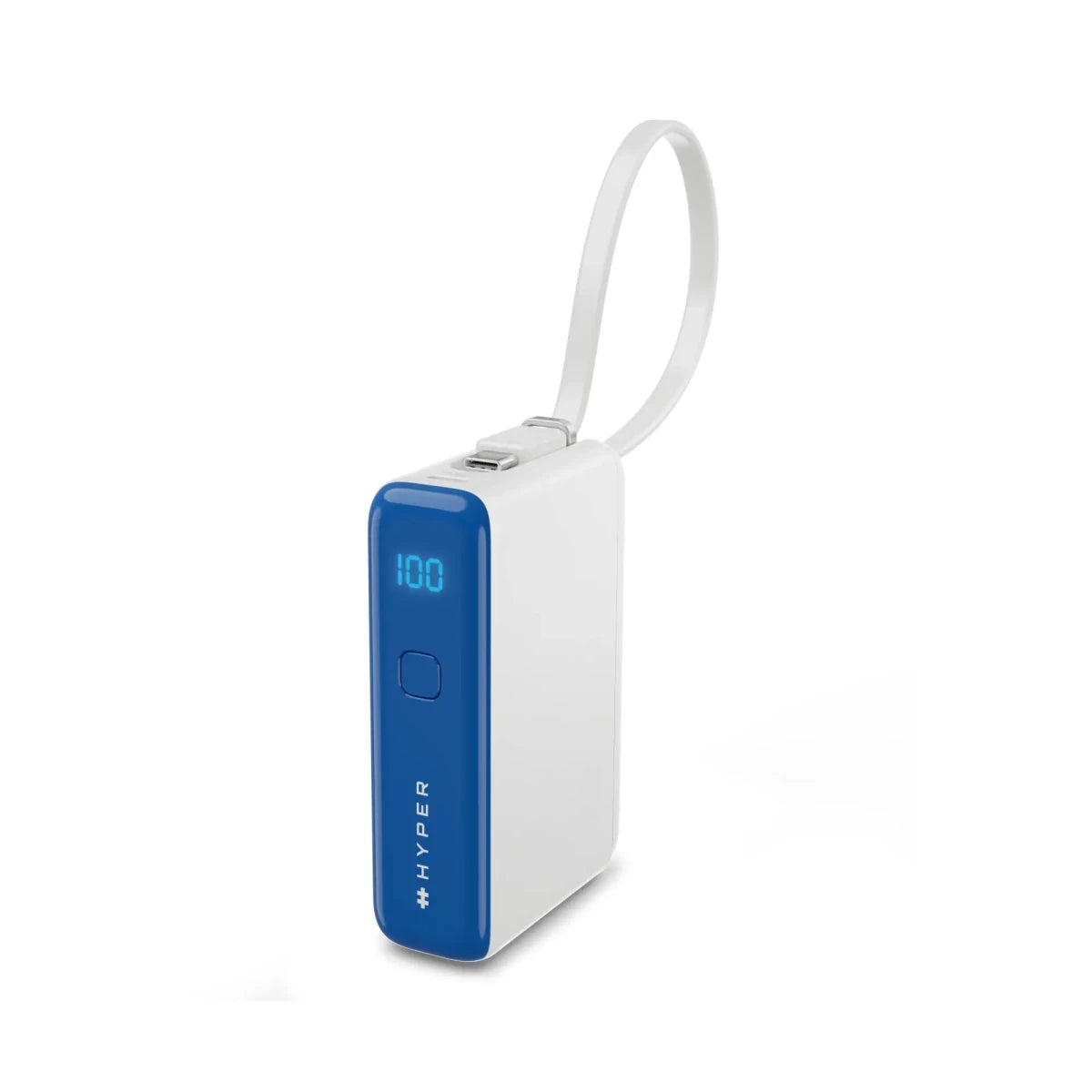
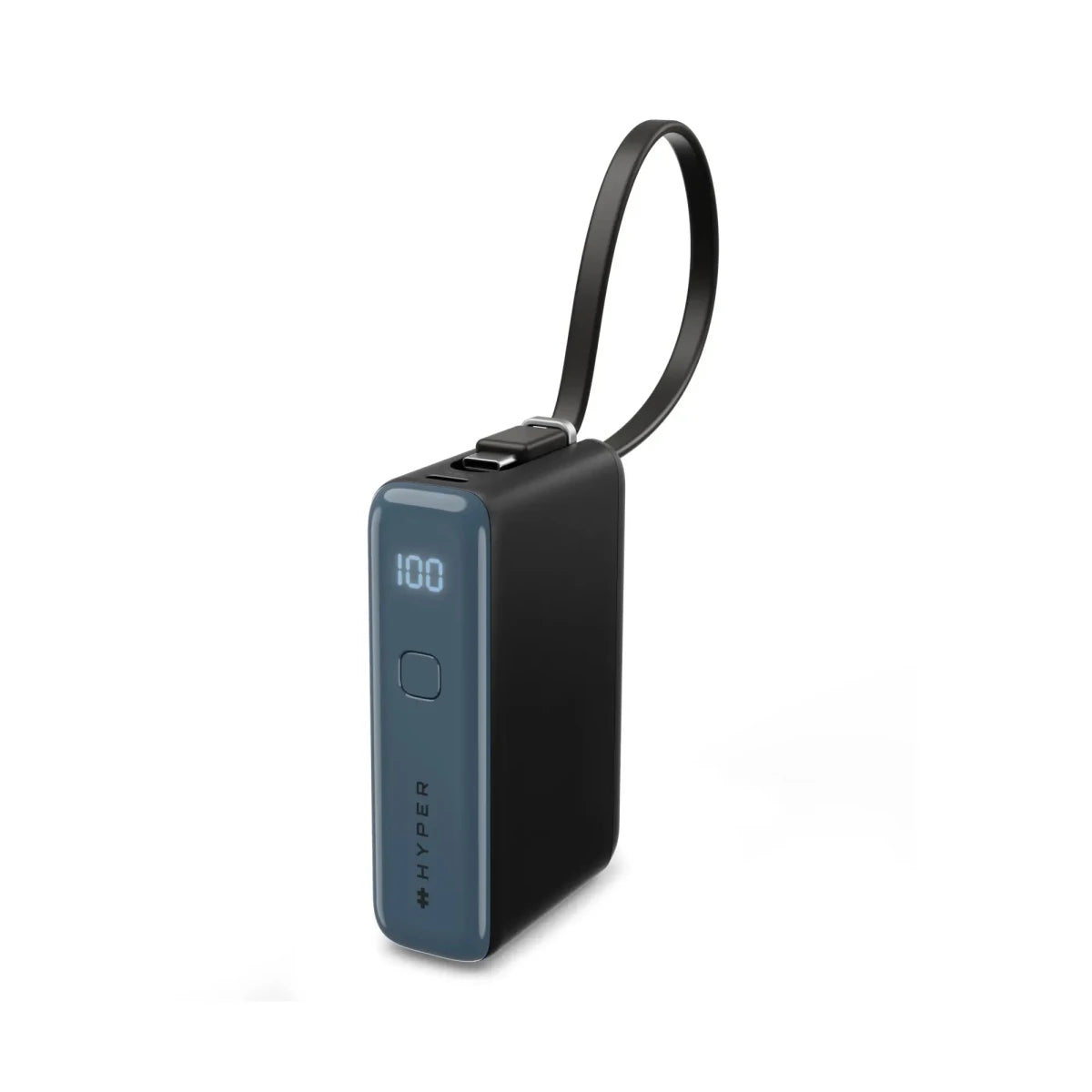
Reliable power, wherever your day takes you. The
HyperJuice
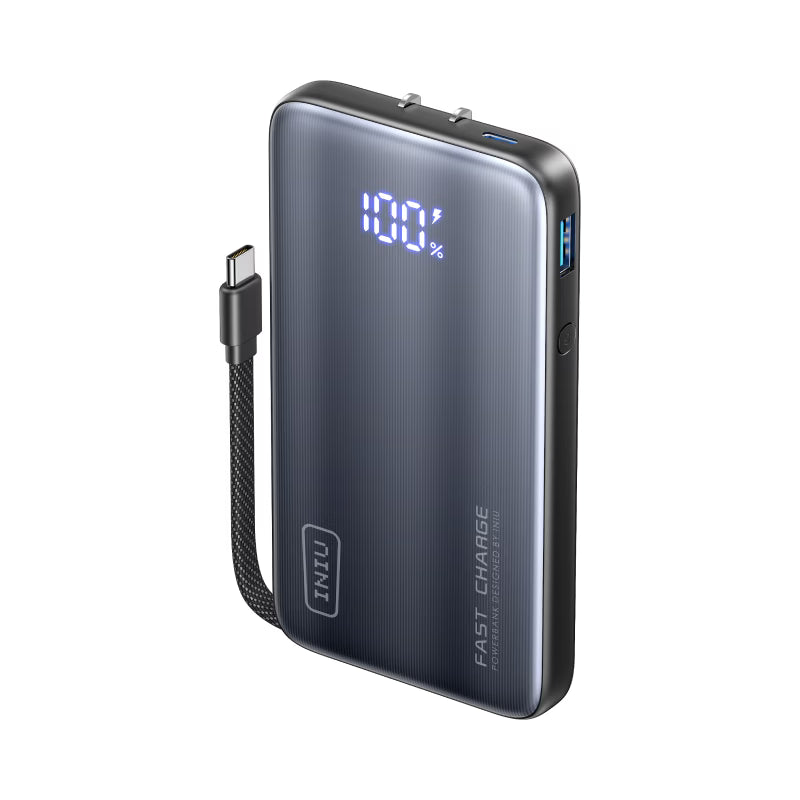
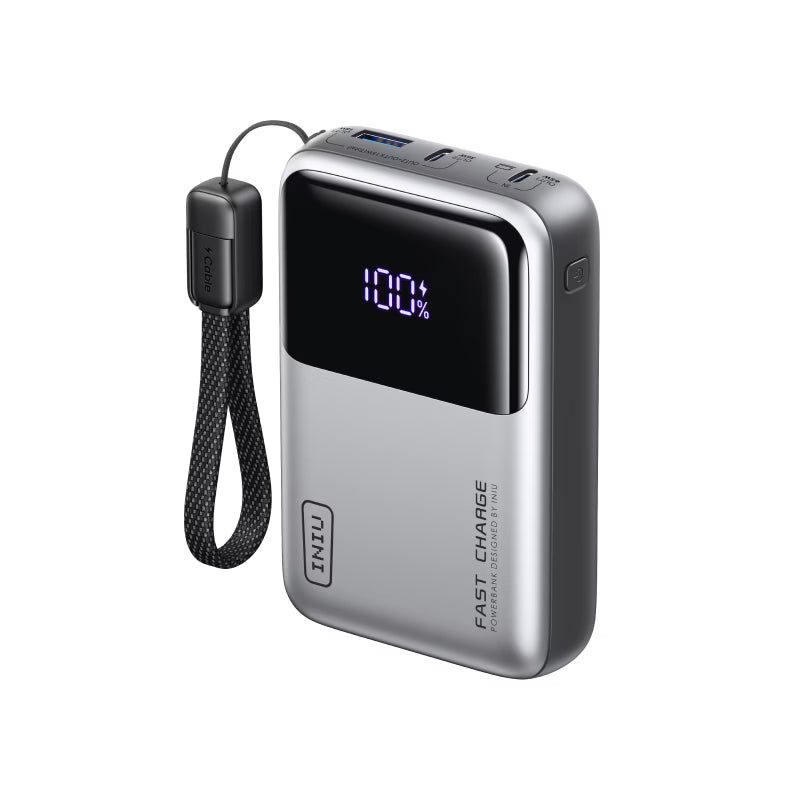
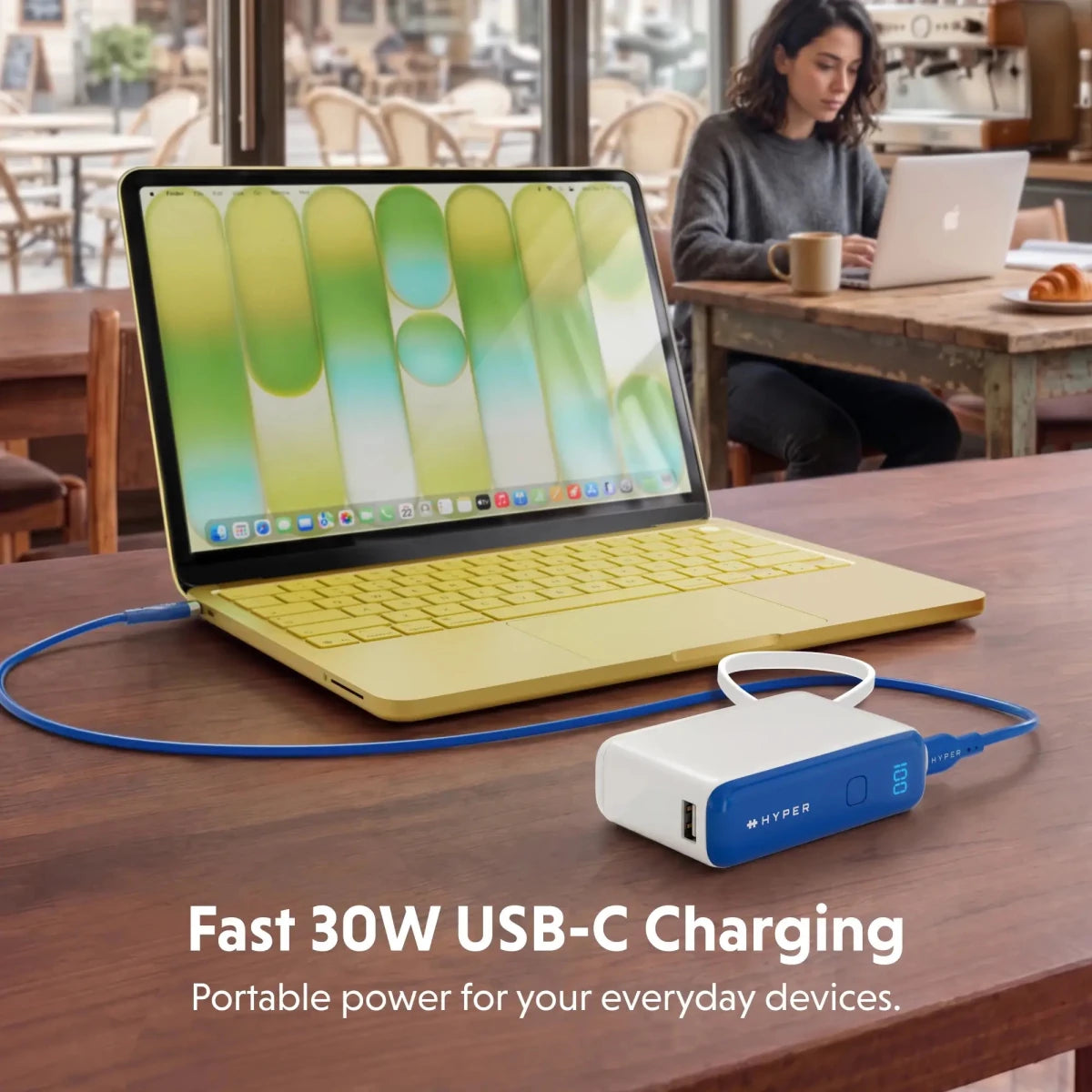
Flex 10K 30W Power Bank is built for everyday use, combining fast 30W USB-C charging with a compact, easy-to-carry design.
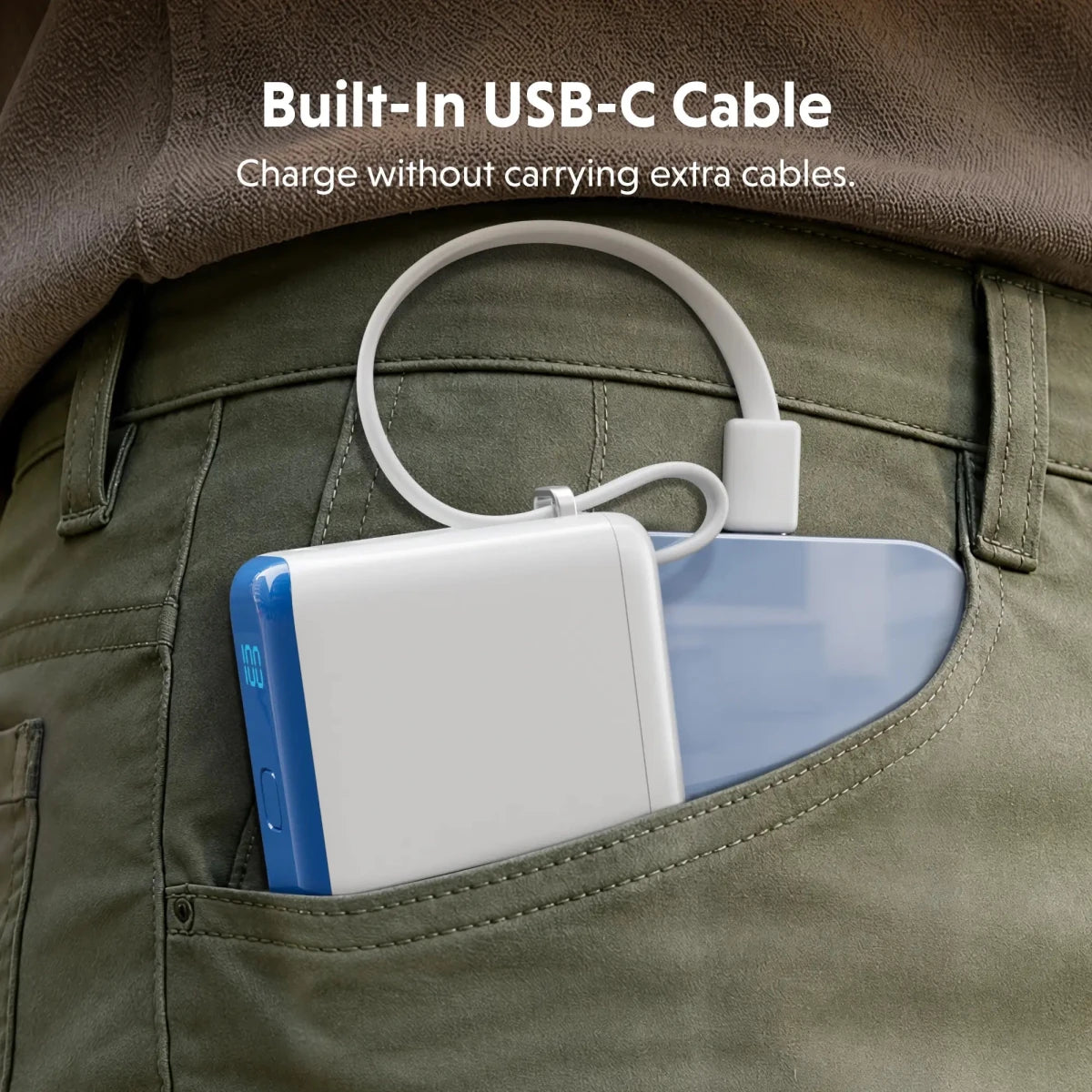
The built-in USB-C cable keeps charging simple and ready when you need it, while doubling as a carry loop for added convenience.
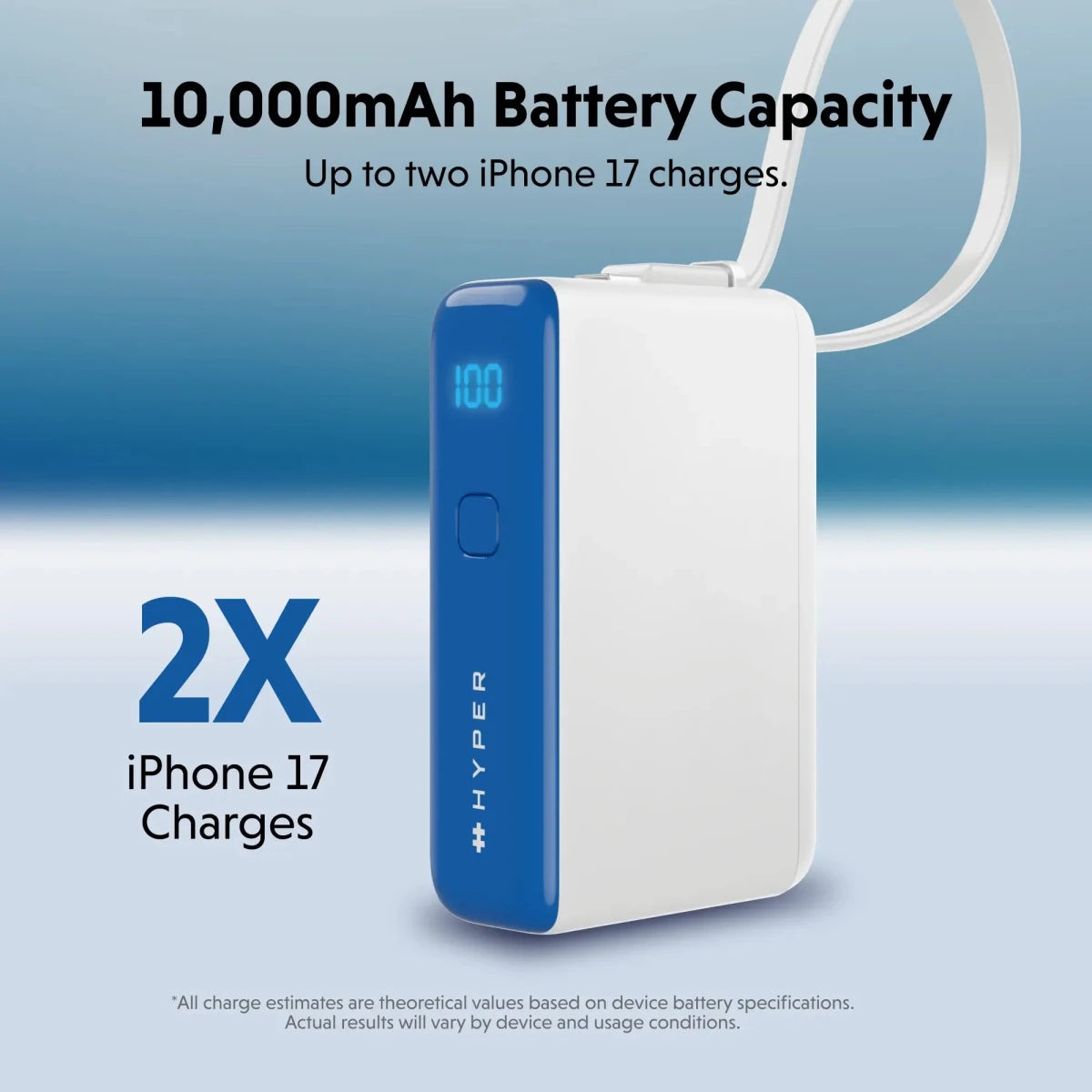
With a 10,000mAh (36Wh) capacity and support for charging multiple devices via USB-C and USB-A,
it’s
designed to keep your essential devices powered throughout the day
.
Built with safety in mind, it undergoes 115+ independent
safety
tests
to ensure consistent, reliable performance
.
With a sleek design,
it’s
bold, functional tech that fits your everyday charging needs.
Know the fit
With a 10,000mAh (36Wh) capacity and support for charging multiple devices via USB-C and USB-A,
Choose & use with care
Identify the device and connector. Compare the information published for the exact item and keep the product name or SKU for reference.
Check output and cable rating. Check the selected listing and variant, including the supplied components before ordering.
Match the setup to your use. Use the directions supplied for your selected item. Contact support if an important detail is missing.
Follow the instructions supplied for the exact product. Features, limits and care directions are specific to the selected model.
Order preparation takes 1–3 business days, followed by 3–4 business days in transit: 4–7 business days in total. Standard shipping is free to the contiguous United States and DC, with no minimum order.
Request a return within 30 calendar days after delivery. We pay return shipping. After receipt, inspection and initiation of an approved refund take 5–7 business days.
Before you decide
Identify the device and connector. Read the actual item description, included parts and options. The collection contains different models; a feature stated for one item should not be assumed for every product.
Check output and cable rating. Compare the dimensions and compatibility stated for the selected item with the space or equipment you intend to use. If a required measurement is absent, send the product name or SKU to [email protected] before purchasing.
Available choices are shown on the individual product page. Select the actual option labels before adding a variable product to your cart. Photos and specifications should be read together with that choice; availability is specific to the selected configuration.
Match the setup to your use. Follow the instructions supplied for the exact model. Do not assume that all items have the same materials, installation method, care directions or intended use.